Make staying in touch easier.
You're already meeting incredible people through your business. Now, Connected can help you remember who they are, what you talked about, and when to reconnect, so those great conversations have a chance to become lasting relationships, referrals, clients, and collaborators. Plus, it can help you write the follow-up when you're not sure what to say next.
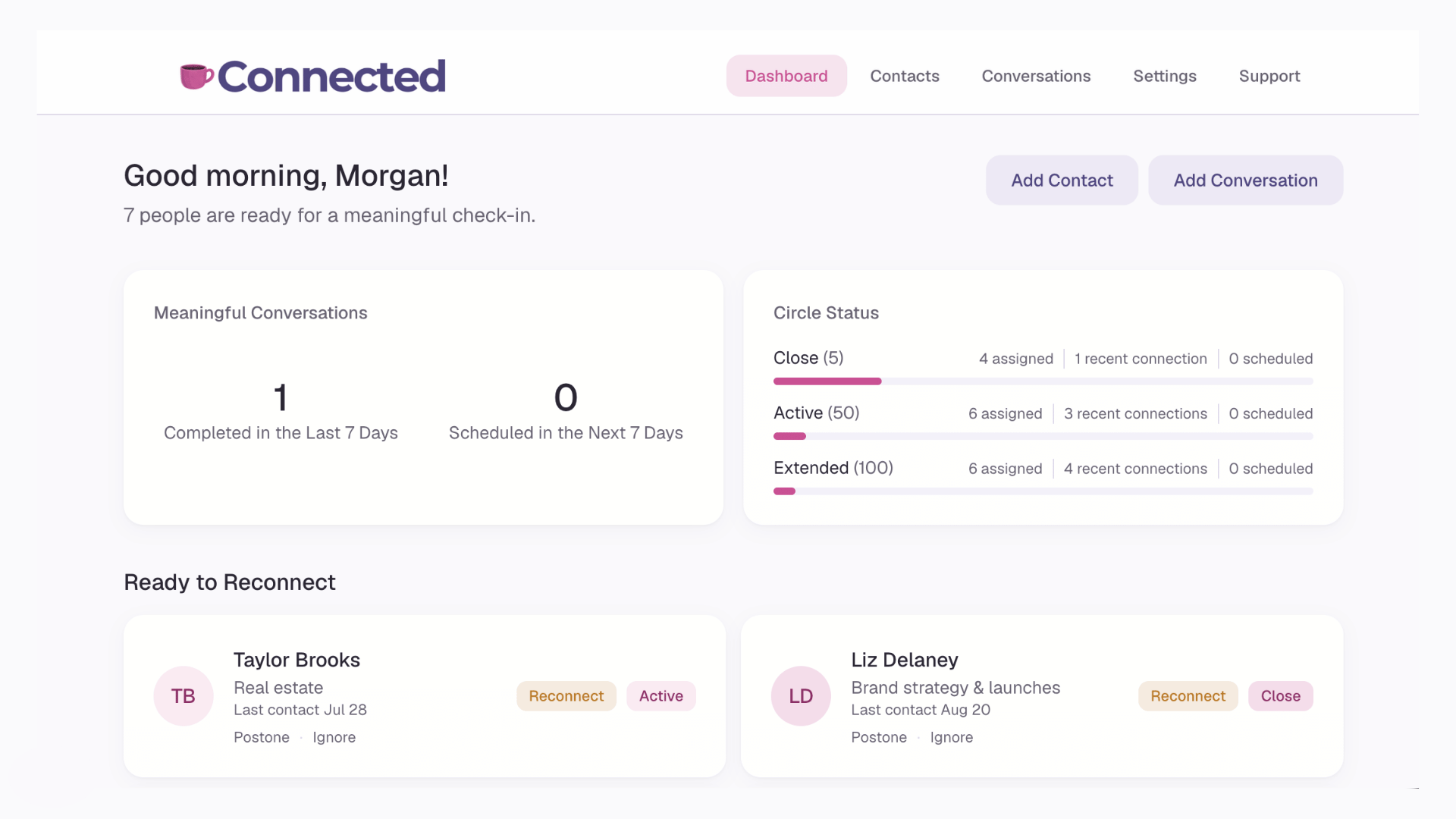
The people you mean to reach out to keep slipping away.
Connected takes that off your plate.
Think about the people you've already met. The business owner who could become a wonderful referral partner. The woman from your mastermind who knows exactly the clients you serve. The person you had an incredible coffee chat with but haven't spoken to since. Those relationships are worth continuing, and Connected makes it easier to do that.
It's a way to keep the conversation going.
Connected is a simple relationship-building system that helps you stay in touch with the people you meet through your business, without having to keep track of everyone in your head.
It keeps your contacts, conversations, and reconnect reminders in one place, making it easier to follow up and build stronger relationships. It's a pressure relief for one of the most valuable parts of your business: your connections.
A Relationship system
Every relationship has its own rhythm.
You decide the cadence for how often you want to reconnect, so no one quietly falls through the cracks.
A web app
Open it. Know who to reach out to and what was said.
Connected greets you with the people who are ready for a check-in. No digging through your inbox or your memory.
The conversations shouldn't end when the event does.
“Wait, who did I meet and what did we talk about?”
After a conference or event
Don't let an introduction become a missed connection.
You attended an event, met wonderful people, and had conversations full of possibilities. Connected helps you remember who you met, what you talked about, and what to follow up on, so those introductions have a chance to turn into revenue in your business.
Around a summit or mixer
Pick up the conversation where you left off.
You had some great conversations, exchanged contact information, and promised to stay in touch. Connected helps you remember the little details, pick up where you left off, and make your next conversation feel like a continuation instead of starting all over again.
When you're in a mastermind
Make more of the relationships you're investing in.
You invested time and money to be in rooms with incredible business owners. Connected helps you remember what you talked about, follow up on opportunities, and build relationships that last long after the program ends.
It only takes a few minutes to stay connected.
Add the people you meet
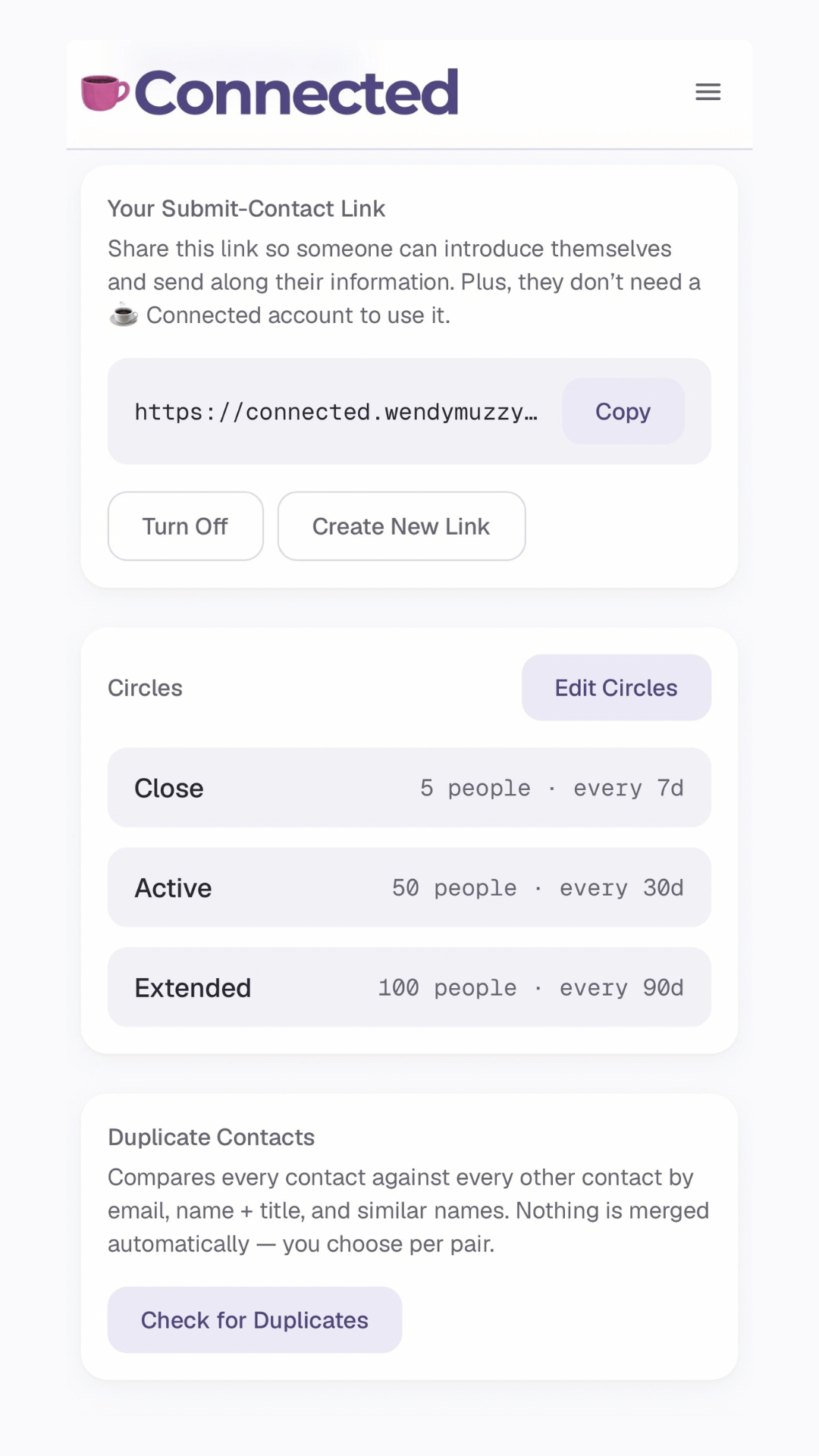
Add someone yourself, or send them your Introduce Yourself link for them to add themselves.
Log the conversation
After a conversation, jot down what mattered or grab the notes from your note taker. Thirty seconds is plenty. If they're not a Circle, add one here.
Reach out at the right time
Then, Connected reminds you when to reconnect. You can select Draft Email to get a message started & Prepare right before your next meeting.
Open Connected. Know who to reconnect with..
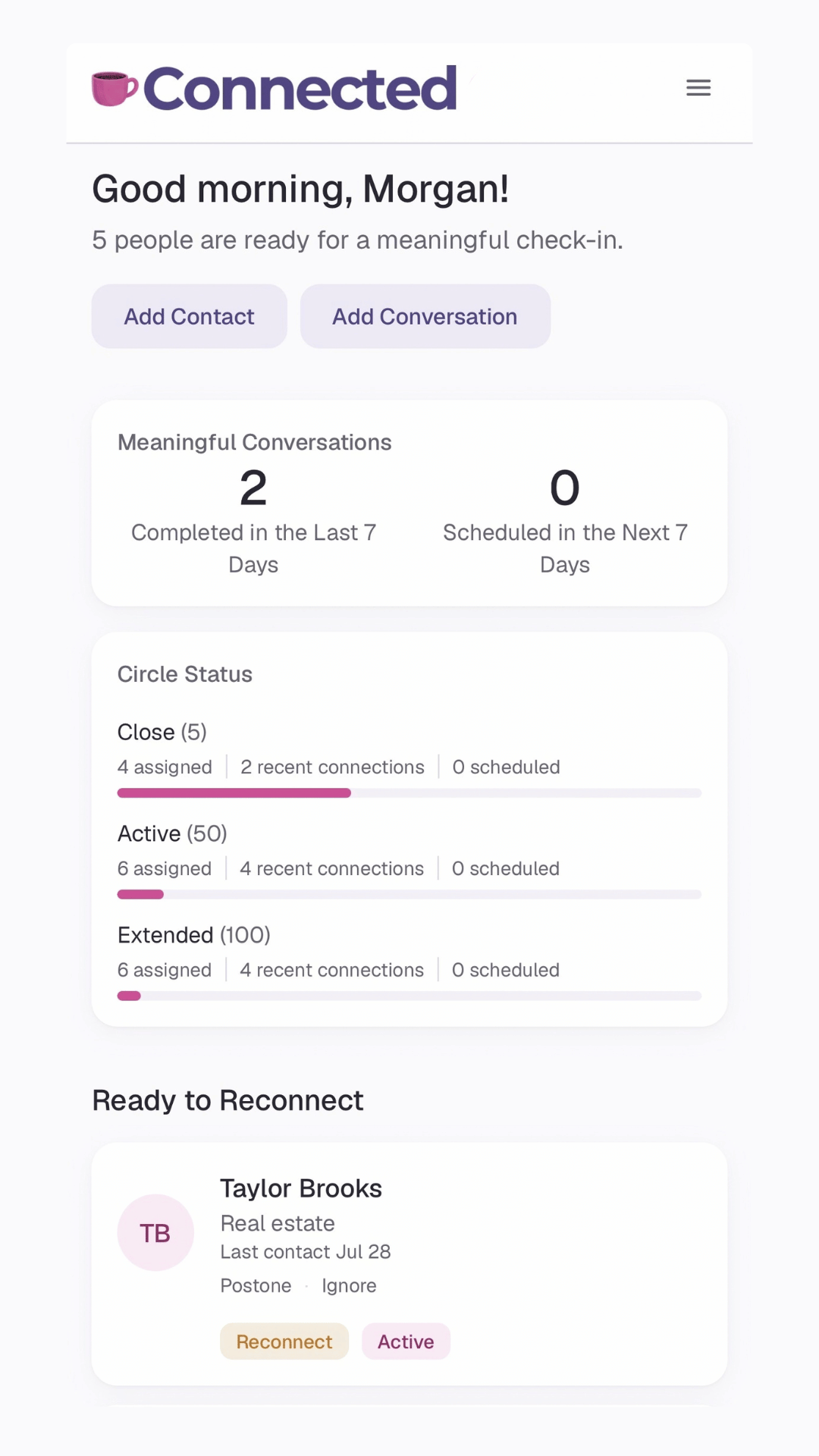
Connected shows you who it's time to reconnect with, along with your Meaningful Conversations for the week and the status of your Circles. One quick look and you know where to focus - without having to remember it all yourself.
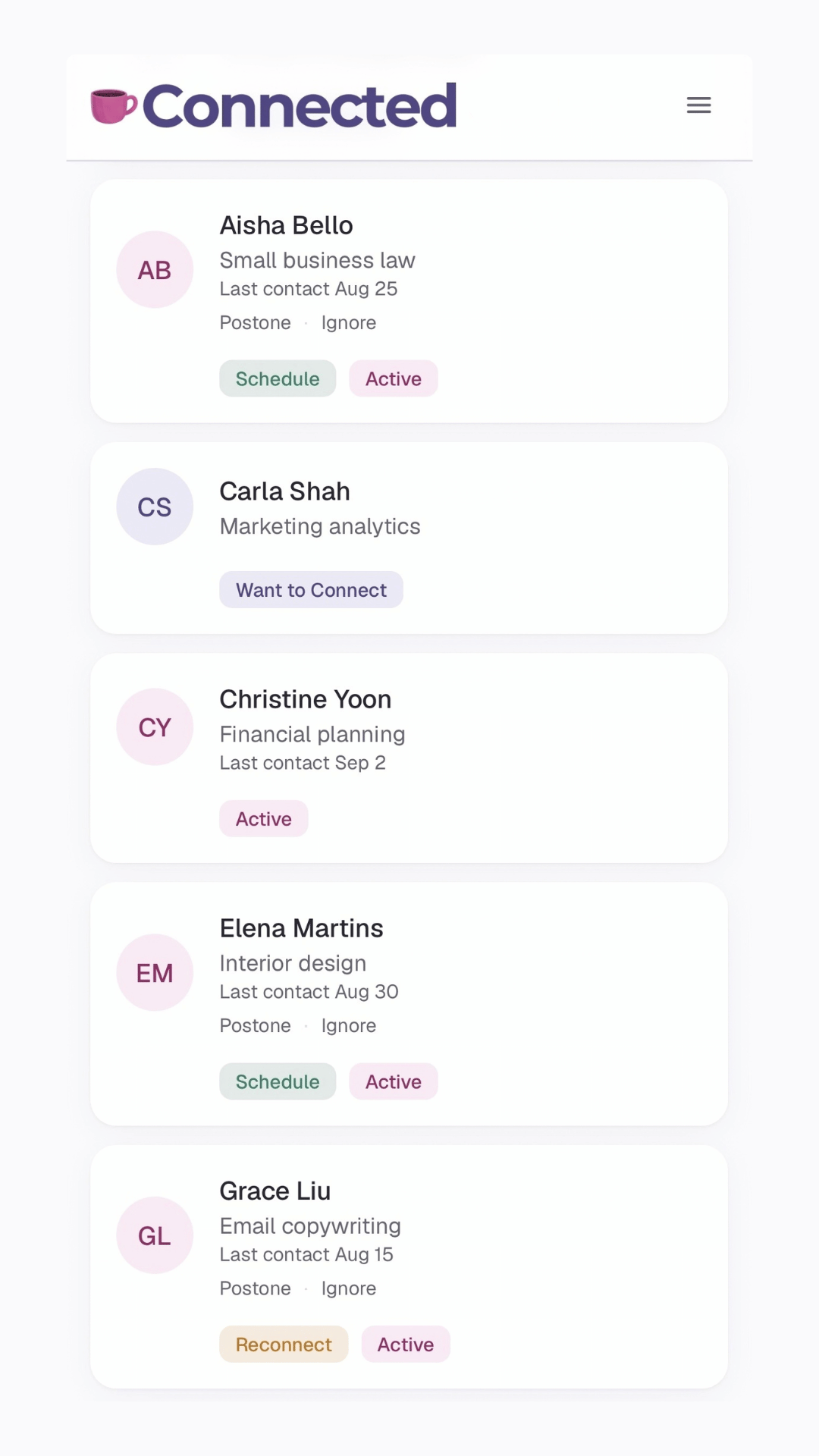
Stay in touch at a rhythm that works for you.
Filter your whole network by last contact or by Circle - your own groups for knowing when to reconnect, named however you like. Each card shows who's due for a Reconnect versus who's already on the Schedule. And when now isn't the right time, simply Snooze or Ignore a reminder.
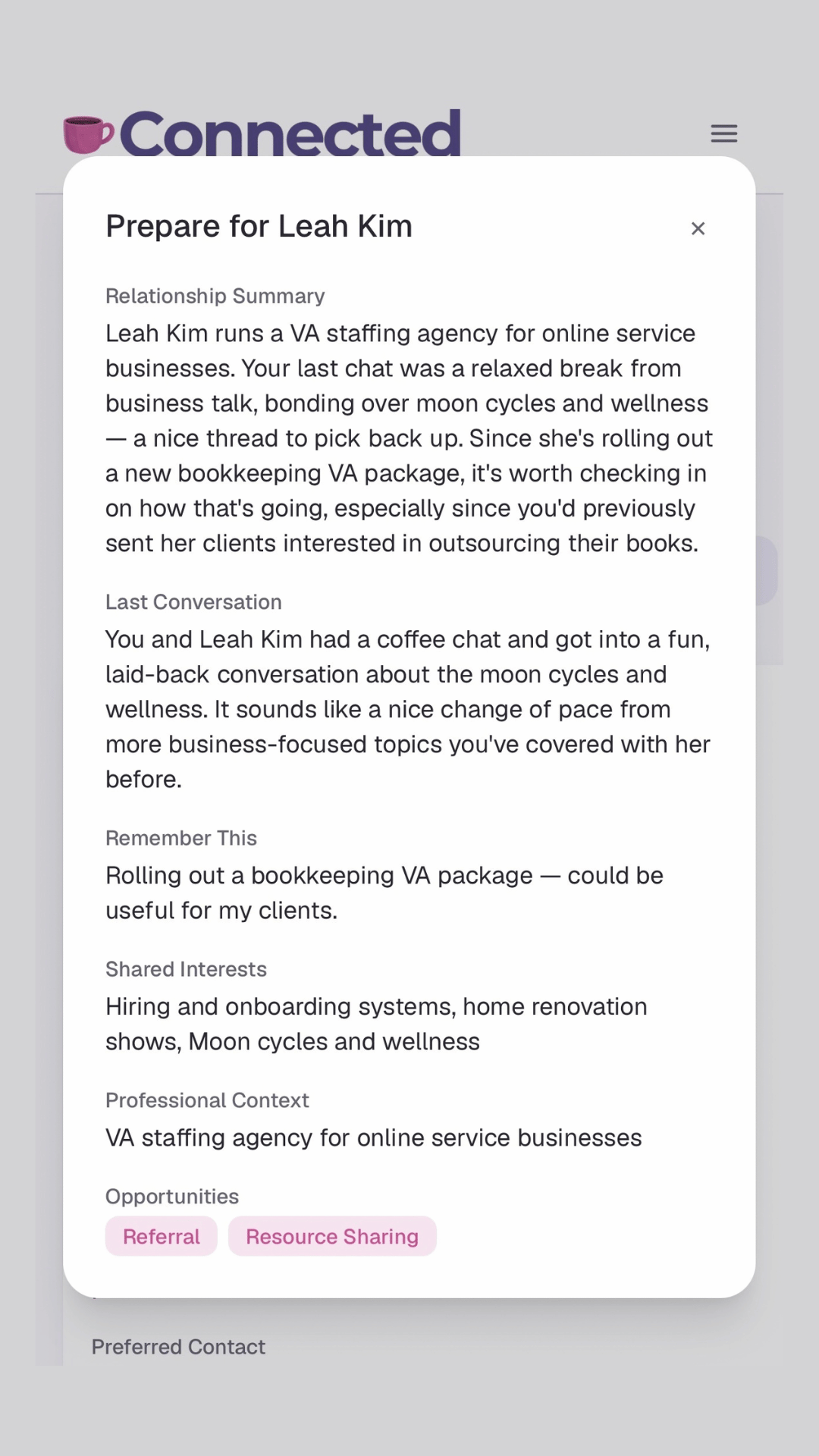
Remember the little details that make a big difference.
Location, LinkedIn, how you met, shared interests, what they're working on, their dog's name - it's all on one card. Before your next call, hit Prepare and Connected writes you a relationship summary: who they are, your last conversation, and what's worth following up on. Ready to reach out? Draft Email gives you a thoughtful first draft based on what Connected already remembers. Note that AI features are completely optional - if you want to use them all you have to do is connect your own AI key.
Never lose track of a great conversation again.
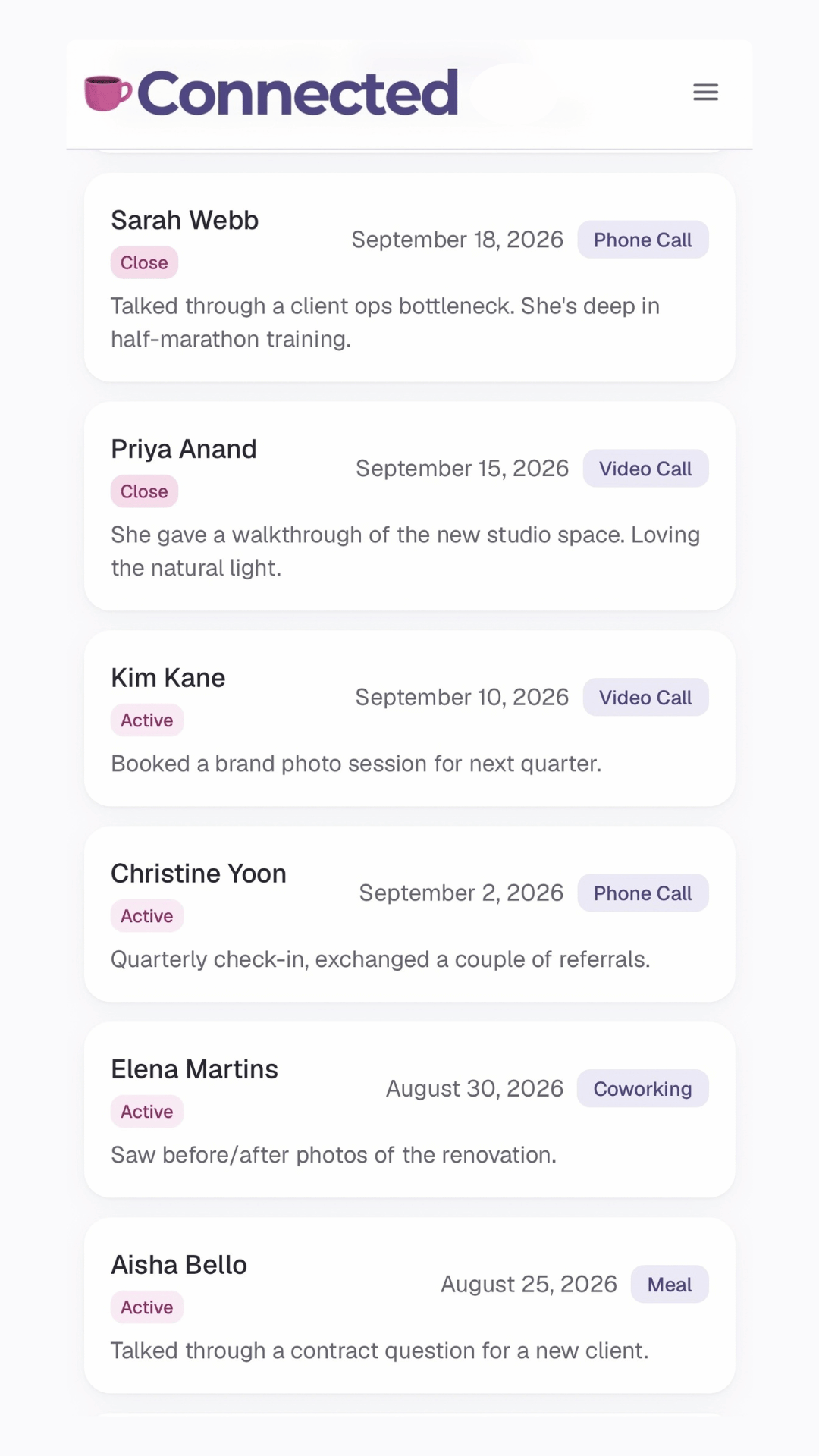
Group meeting, video call, podcast interview - tag the meeting type, add your notes, and Connected will store it so it doesn't get lost. Search by attendee or notes, filter by meeting type or date range, and select multiple entries at once to export.
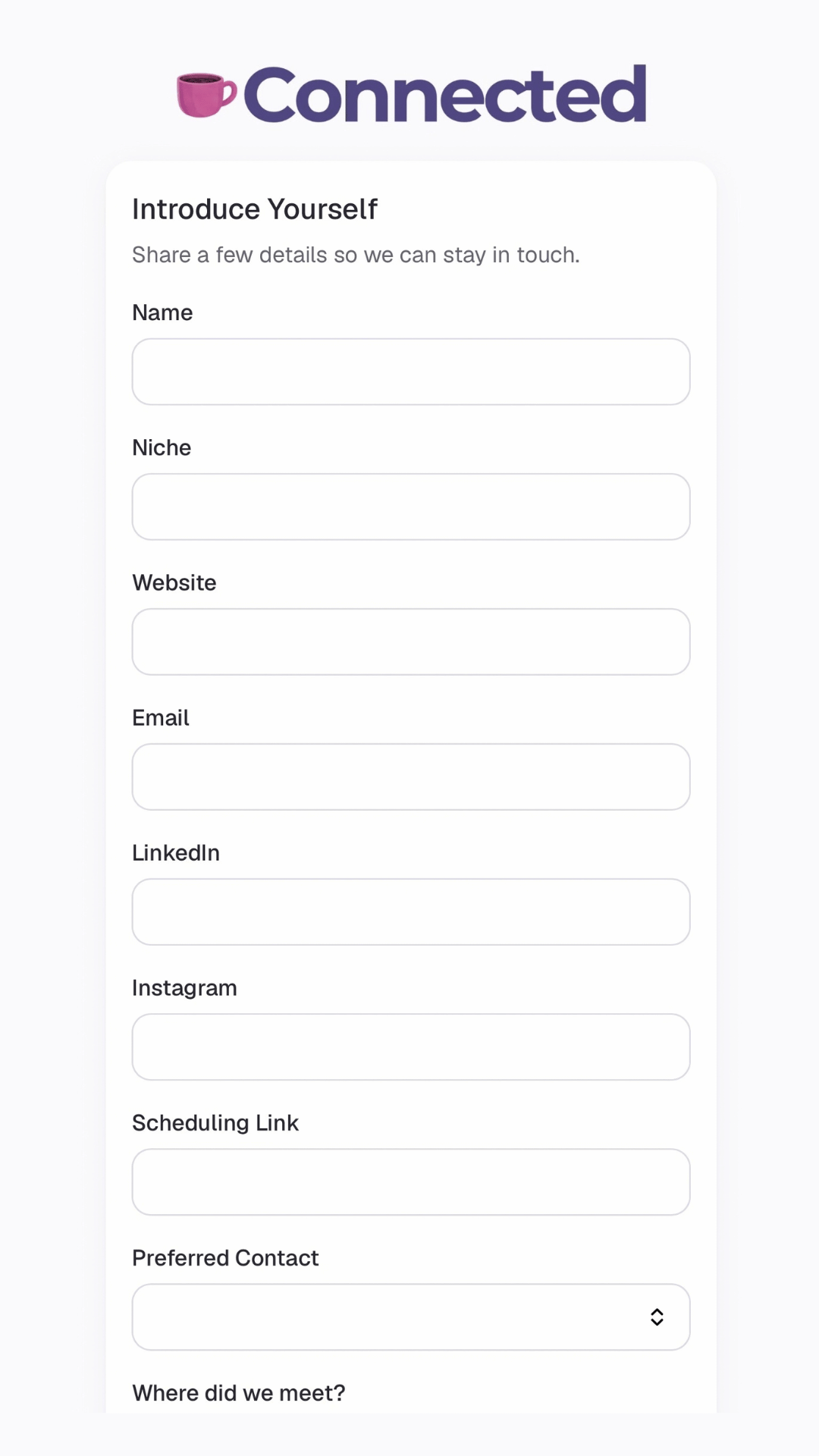
Let new people add themselves.
Share your own "Introduce Yourself" link with others - no login required. New contacts fill in their name, how to get in touch, and how you met, and their information lands right in Connected, ready to be sorted into a Circle when you're ready.
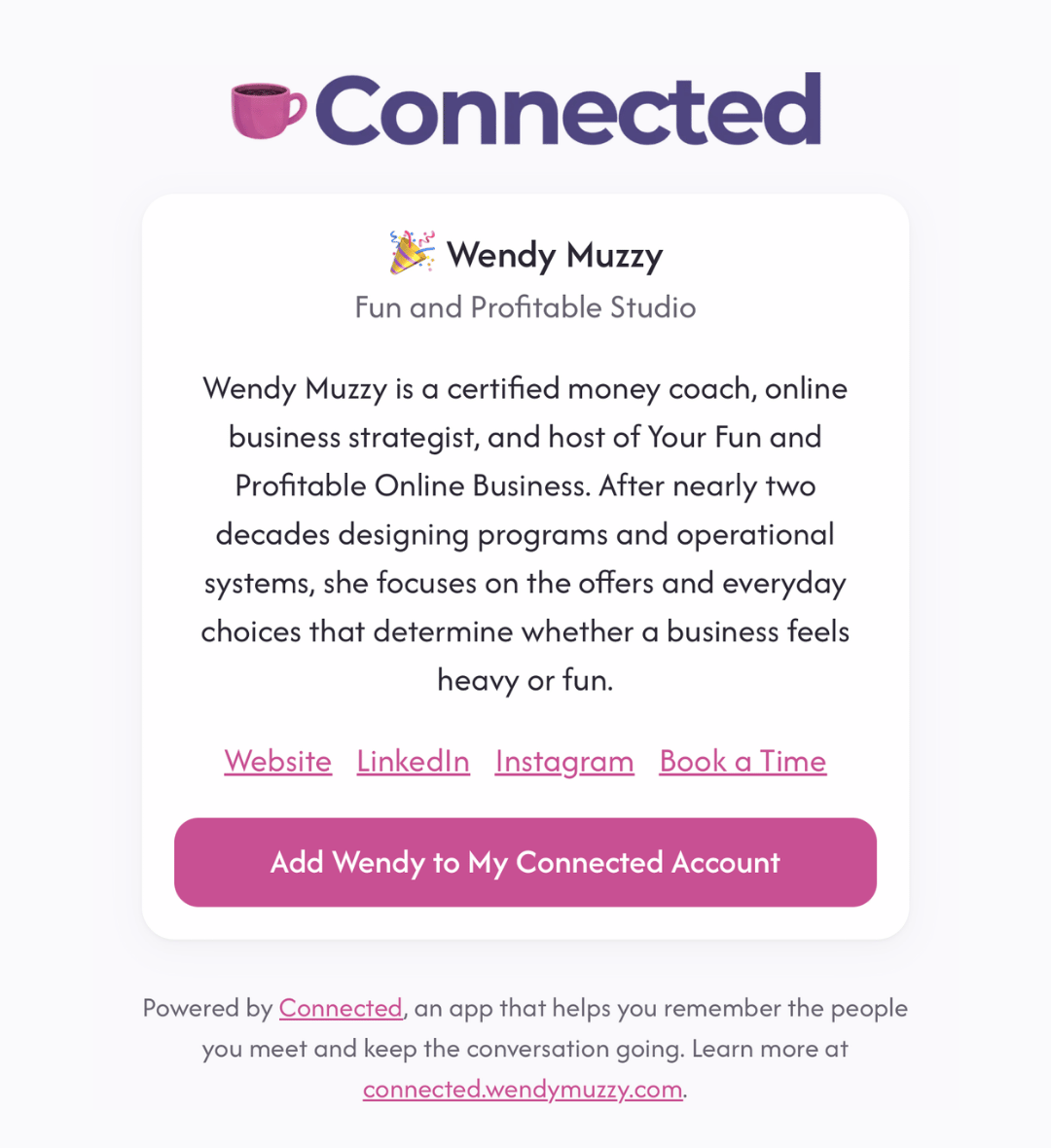
Or share your own contact card.
Get a personal link that shows your name, business, niche, links, and a short bio. Anyone who already has a Connected account can tap one button and add you straight to their contacts - no typing, no forms. If they don't have an account yet, they'll see the link to get Connected themselves.
Your relationships live in your Airtable, not someone else's database.
If you ever stop using Connected, your contacts and history stay with you. Connect your own Airtable base during onboarding and every contact, conversation, and note live there. Your data. Your way.
I was meeting incredible people - and then losing track of them.
I was paying to be in groups filled with some of the smartest, most interesting business owners I'd ever met. People who made me think about my business differently. And I was having wonderful conversations.
But then I realized that I’d get off a call and, five minutes later, barely remember what we talked about.
It wasn’t because I didn’t care. I cared deeply. I just didn’t have a way to manage all of those relationships, conversations, little details, and good intentions.
I was trying to juggle it all.
I knew I needed a tool to help, but I couldn't find what I was looking for.
So I built it.
And it has completely changed how I show up.
Now, I'm much more intentional about the relationships I'm building. I'm fully present in the conversation. I follow up. I remember what we talked about. I reconnect on a rhythm instead of realizing months later that I meant to.
And the relationships that have grown because of it? The conversations, introductions, collaborations, and opportunities that might never have happened otherwise? Mind-blowing.
Connected didn’t just help me keep track of my contacts and conversations.
It made it easier for me to show up as the kind of person I wanted to be.
Someone who follows up. Who remembers. Who stays connected.
- Wendy
Are you ready to make staying in touch easier?
Connected gives you a way to remember what was said, know who to reach out to, and pick up right where you left off.
Try it free for 90 days.
Then it's just $7 a month (or $70 for the year). No setup fees, no long-term contract - cancel anytime.
Give Connected 90 days. See how much easier staying connected can feel.
One new client, one valuable referral, or one collaboration could more than cover an entire year of Connected.
Want to see it action? Check out the live demo